Home security basics
How physical security, lighting, cameras and monitoring fit together, and which improvements come first.
By Elijah Canfield, Founder, Hire Best Pros · Updated August 27, 2026
Elijah Canfield is the founder of Hire Best Pros. He writes and edits the site's consumer guides, with a focus on how home service and moving projects are priced, scoped and compared.
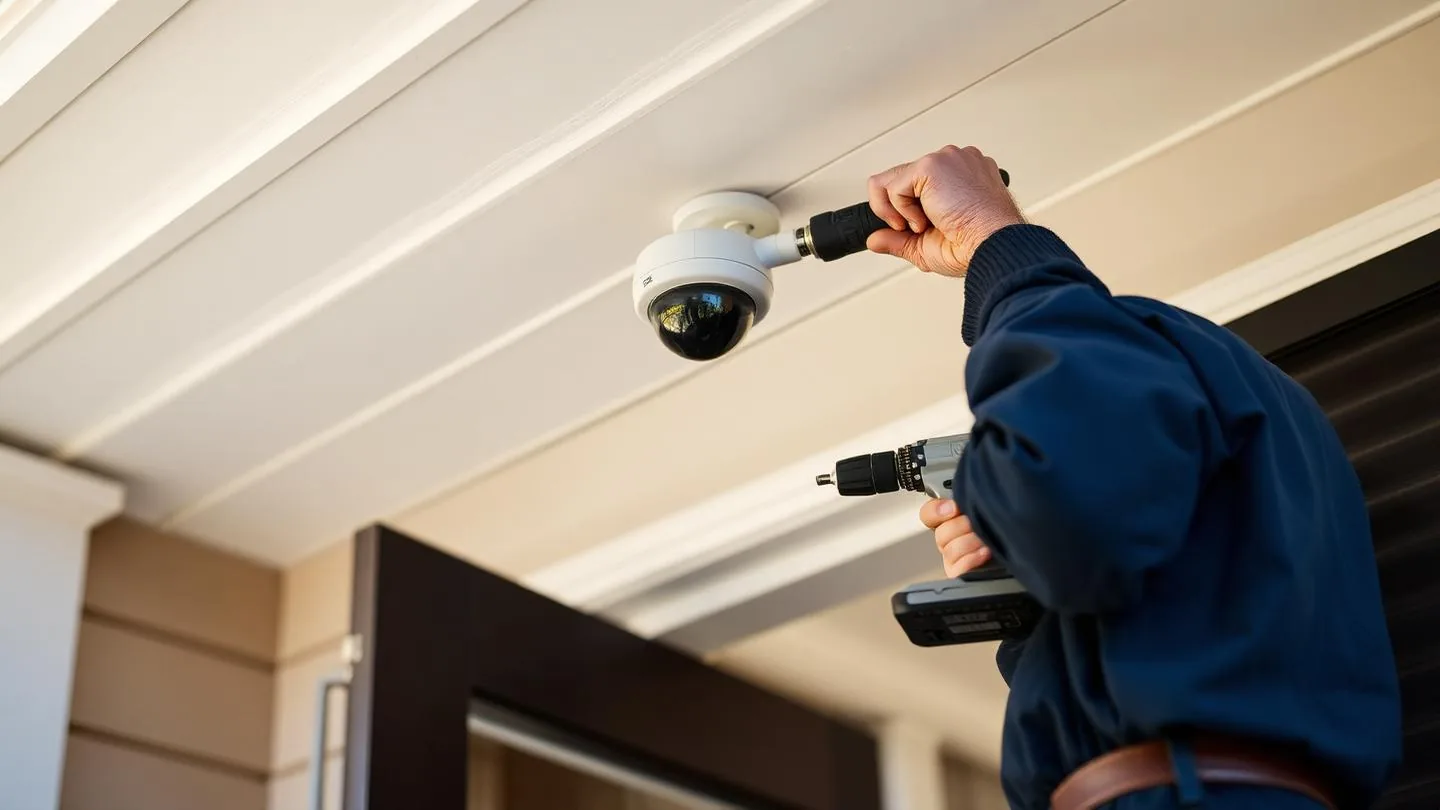
Start with the physical layer: solid doors, reinforced strike plates, quality deadbolts and secured windows and sliding doors. Add lighting and visibility next. Cameras record what happened, alarms and monitoring create a response. Buying the last layer first is the common and expensive mistake.
Key points
- A camera documents an entry. A strike plate and long screws prevent one.
- Most entries use doors and ground floor windows, so start there.
- Understand what monitoring actually promises before signing a contract.
The physical layer first
- Solid core or metal exterior doors with reinforced frames
- Deadbolts with long screws into the framing, not just the jamb
- Secondary locks or bars on sliding doors and accessible windows
- A visible, well lit approach with no concealed entry points
Cameras, sensors and alarms
Cameras are most useful covering entries and approaches rather than the whole yard. Entry sensors, glass break sensors and motion detection all serve different purposes. Decide whether recordings are stored locally, in the cloud, or both, and what happens when the internet is down.
Monitoring and contracts
- Self monitored means the alert comes to your phone and nowhere else
- Professional monitoring means a service responds and may contact authorities
- Check contract length, cancellation terms and equipment ownership
- Ask your insurer whether a monitored system affects your policy
Planning a home upgrade?
Find local prosCommon questions
- Where should I start if I am on a limited budget?
- Start with the physical layer, because it is the part that actually slows entry. Solid exterior doors, long screws in strike plates and hinges, working deadbolts, secured sliding doors and windows, and good exterior lighting matter more than another camera. Once those are handled, add sensors and cameras where they cover entry points.
- Do I need professional monitoring?
- It depends on how you want an alarm to be answered. Self monitored systems send alerts to your phone and cost less, but someone has to see and act on them. Professional monitoring adds a service that responds when you cannot. Ask about contract length, cancellation terms, what happens during an internet or power outage, and whether the equipment works with another provider later.
- Should I install a system myself or hire an installer?
- Self install kits work well for apartments, renters and straightforward homes. Hiring an installer makes sense for larger properties, wired systems, camera placement that needs power runs, or integration with existing wiring. If you install yourself, place sensors on every accessible entry rather than only the front door, and test them monthly.
- What should I check before signing a security contract?
- Check the total monthly cost including any equipment financing, the contract length and renewal terms, cancellation and moving policies, who owns the equipment, whether video storage costs extra, and what response you actually receive on an alarm. Read those terms before installation day, since removing a system later is harder than declining one.